11. Shops, /ah, /QuestShop, and NightMarket
The process of selling and buying wares! (Cover picture is of our very special Shady Guy)
Shop Signs
Setting up the Shop:
You will need the following items:
- A sign
- A single redstone dust
- A container (chest or barrel)
- The items you want to sell
Extra Notes
- The sign does not have to be on the chest to link the two
- You can feed a hopper into the chest to automatically fill the chest
Setting up a [buy] Shop Sign:
Players who click on this sign will give you money in return for taking items from you.
- Place down a sign
- (If placing on the container itself, shift and place so it does not turn into a permissions sign.)
- (You can place a permissions sign on any other surface of the same chest)
- The top/first line of the sign must say [buy]
- The second and third line may have anything you wish. (Most people put the item and amount of item on these lines)
- The last/fourth line must have the amount of money people will pay for this item
Example: 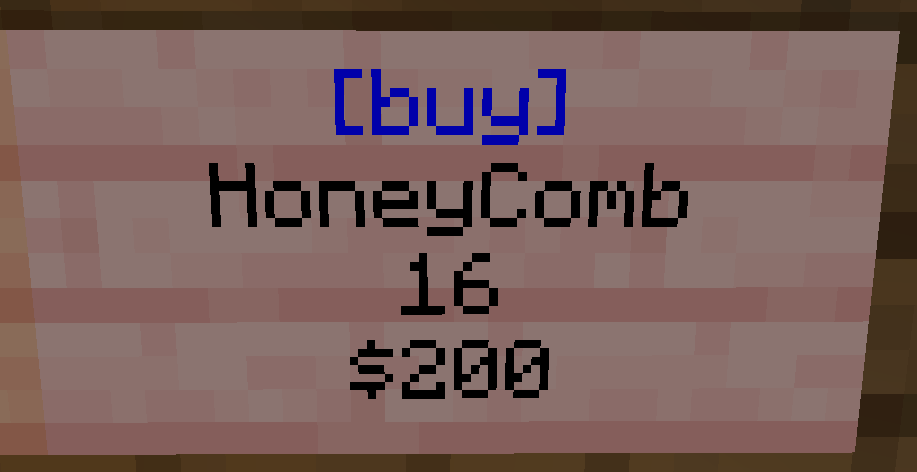
This shop sign from /pw TheCoop shows a listing for 16 honeycombs for the cost of $200. The "$" is optional.
Setting up a [sell] Shop Sign:
Players who click on this sign will give you items in return for taking money from you.
- Place down a sign
- The first/top line of the sign must say [sell]
- The second and third line may say anything you wish. (Most people put the item and amount of item on these lines)
- The fourth/last line must have the amount you will pay players for the items.
Example: 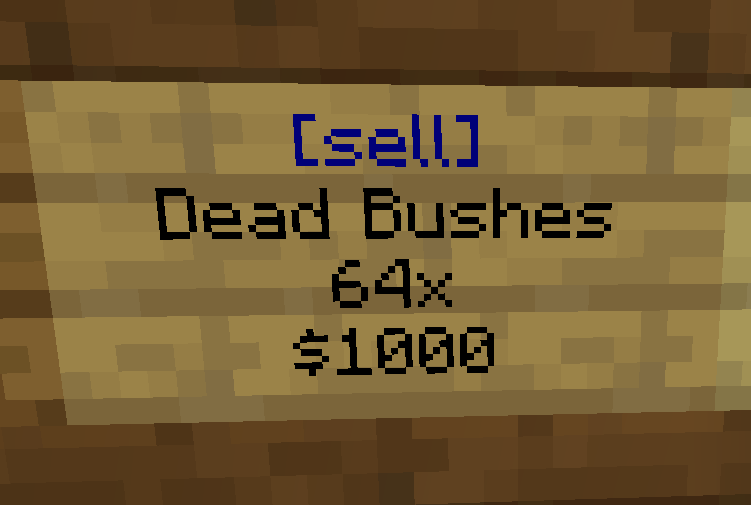
This shop sign from /pw TheCoop shows a listing for players to give a stack of Dead Bushes to gain $1000 from the owner.
The "$" is optional.
Linking a Shop Sign to the Chest of Items:
This is how you will stock the shop.
- Place down a chest or barrel. It does not have to be physically connected to the sign.
- Place one listing's worth of items in the chest. (Do NOT fill the chest. If the listing is for 16 rose bushes, only put 16 rose bushes in the chest)
- Grab your redstone dust and smack the chest as if hitting it.
- (Bedrock players may need to hold down on the screen for a couple seconds)
- (It should say "Stored Location of Chest..." if successful)
- Smack the sell sign with the redstone dust. (If successful, the [buy] line will turn blue.)
- You may now fully fill the chest with as many wares as you want.
Restocking the Shop:
For when the chest is empty and/or the sign's [buy] or [sell] line has turned from blue to red.
The red color means the shop does not have enough stock to make a purchase from. To restock, simply fill the chest. Then right-click the sign to change the color back to blue. You can also left click the sign, but this will withdraw a selling's worth of items from the chest.
Right clicking the sign at any time will tell you how many items are left in the chest linked to the sign
Items must match the original listing exactly. Any named items must be named exactly the same.
To reset a Shop, simply break and replace the sign.
/ah
QUICK REFERENCE:
/ah : opens /ah
/ah sell (amount) while holding the item : sells the item
/ah open backpack : if you buy an item with a full inventory
/ah open expiredauctions : if you have a full inventory and win an auction
/ah collect : to collect expired auctions that never sold
/ah is where most items are bought and sold, from Breeding Potions to spare stacks of dirt. You can narrow the /ah item selection by food, tools, armor, items, and blocks, or leave it selected on all items.
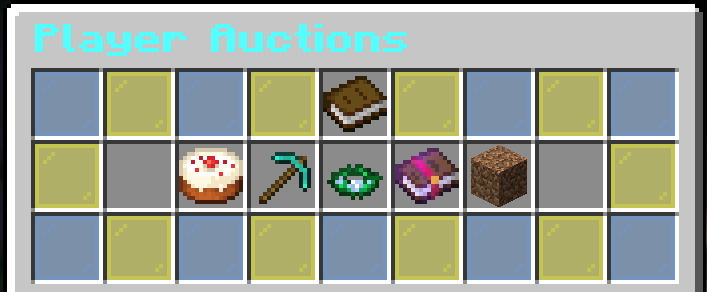
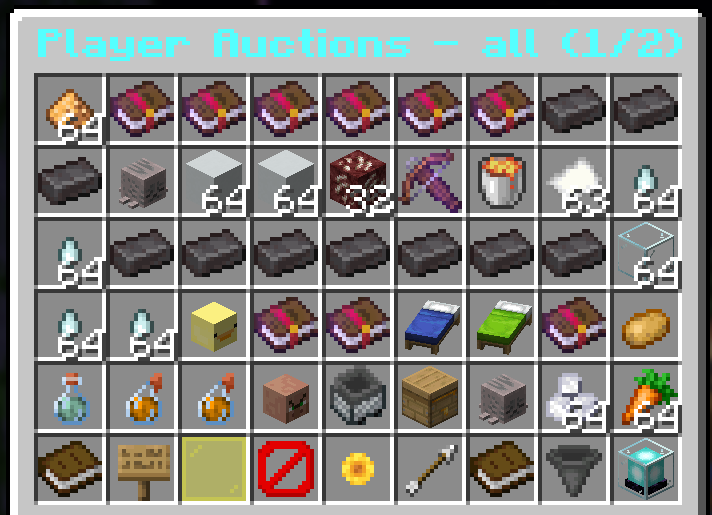
Once looking at listings, there are some icons along the bottom of the screen you can use to navigate.
- Click the arrow icon and barrier block icon to move to the next page or go back a page.
- Click the sunflower icon to refresh the items.
- If you regret a listing, navigate to the listings page, and click the beacon icon.
- Note that if you bid on an item, the money will be taken from your account until you are outbid! If you are missing money from /bal, this is usually why!!!
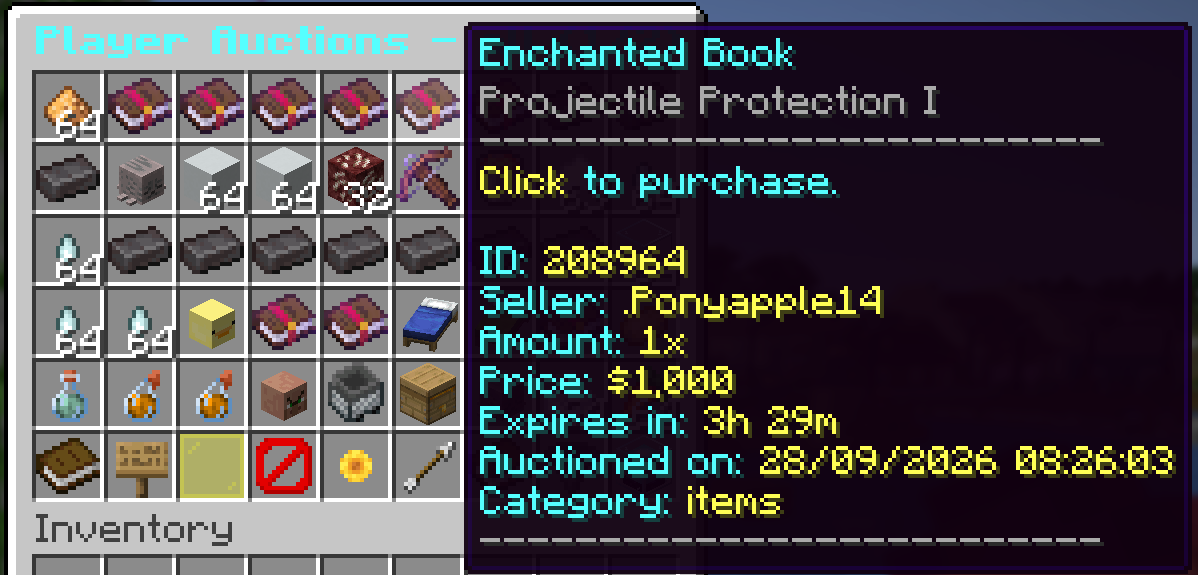
Click on any item to view its listing. You can select the amount you want to buy via the glass panes, or by clicking the sign for a custom amount. Click the red wool to cancel the purchase, and the green wool to confirm the purchase.
To put up your own items for sale, use the command /ah sell (amount) while holding the item you want to sell. Note that the price must be at least 50 and doing this will sell all of what is in your hand.
You can sell items for xp instead of for $. To do this, use the command /ah sell (amount) xp while holding the item.
To list your items as an auction for two days, use the command /ah bid (amount) while holding the item.
/QuestShop and /QuestBoard
/QuestBoard
/QuestBoard is how you gain tokens to spend in /Questshop via completing random tasks. The higher the player count at the time, the more quests are about to be listed. Note that all players are competing for the same quests, so it's a race to see who will get the points.
You can type /qb or /questboard to see the quests available and their token worths.
/QuestShop
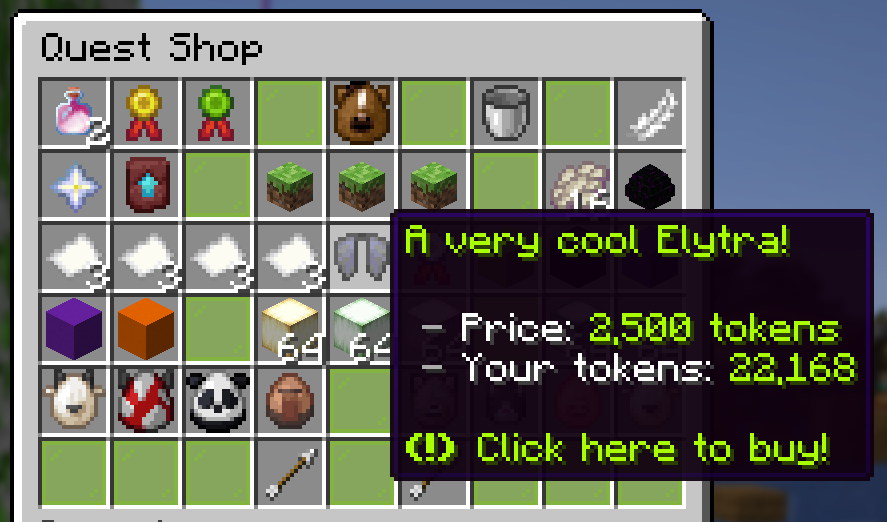
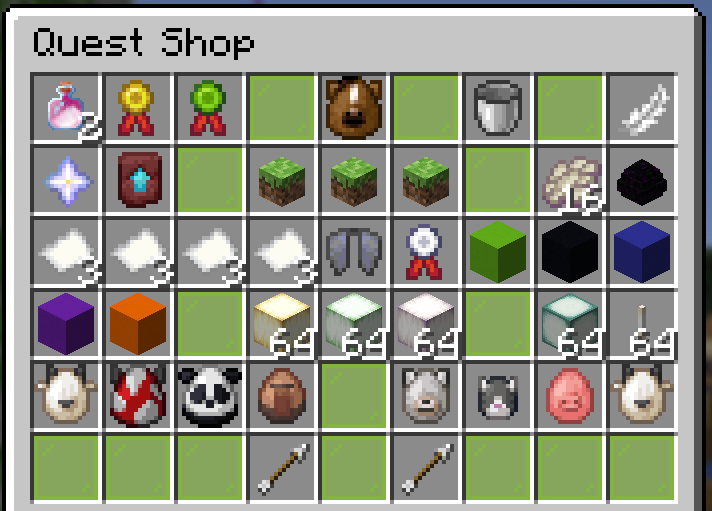
QuestShop has an assortment of items players can buy. The items are listed below!
- NEW: Forever Foal growth token (50k tokens)
- a pair of breeding potions or a horse egg (25k tokens)
- a medium speed boost or medium jump boost (10k tokens)
- horse food pack (500 tokens)
- 24hr fly voucher (10k tokens)
- nether star (5k tokens)
- upgrade template (1k tokens)
- plot claim of any size (2.5k tokens)
- phantom membrane (5k tokens)
- enderdragon egg (15k tokens)
- Day/Night/Rain/Clear Weather vouchers (12k tokens)
- elytra (2.5k tokens)
- Custom Lore Voucher- for three items (25k tokens)
- huge nature pack or fisherperson pack (10k tokens)
- just bee happy pack (5k tokens)
- small deco pack (500 tokens)
- large deco pack (1k tokens)
- froglights of any color (100 tokens)
- sea lanterns and endrods (150 tokens)
- goat, mooshroom, or panda spawnegg (7.5k tokens)
- villager spawnegg (15k tokens)
- forever baby puppy, kitten, piglet, and kid (50k tokens)
Night Market
If you /warp docks and head to the end of them, you'll find a Shady Guy standing at the end. Each day, he will have a new rotating stock of goods for you. To gain the points needed to purchase things from him, you will need to win races, win yegods, and/or win chatgames.
His stock includes things such as breeding potions, horse eggs, vouches and deco/custom packs, plot claims, horse feeding packs, and much more.
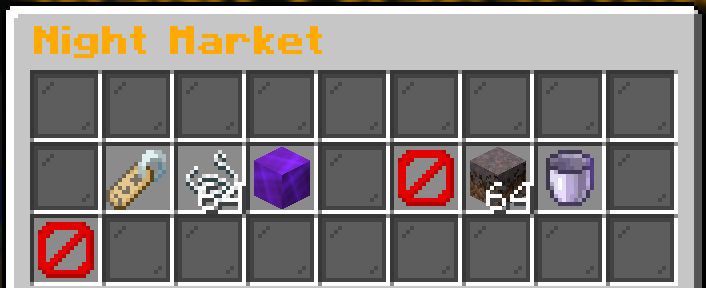
The picture above shows an example of the night market stock. You can click the barrier block in the bottom corner to reroll once daily. Barrier blocks showing amongst the stock means an item was purchased.