/ah
QUICK REFERENCE:
/ah : opens /ah
/ah sell (amount) while holding the item : sells the item
/ah open backpack : if you buy an item with a full inventory
/ah open expiredauctions : if you have a full inventory and win an auction
/ah collect : to collect expired auctions that never sold
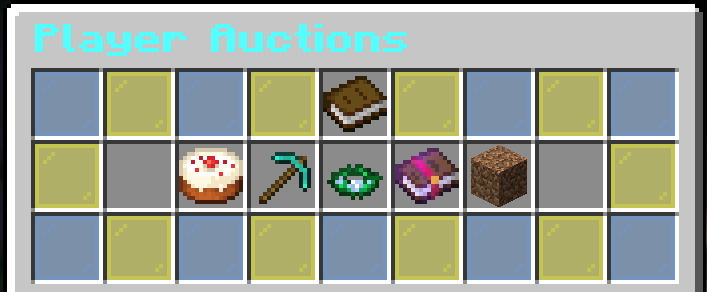
/ah is where most items are bought and sold, from Breeding Potions to spare stacks of dirt. You can narrow the /ah item selection by food, tools, armor, items, and blocks, or leave it selected on all items.
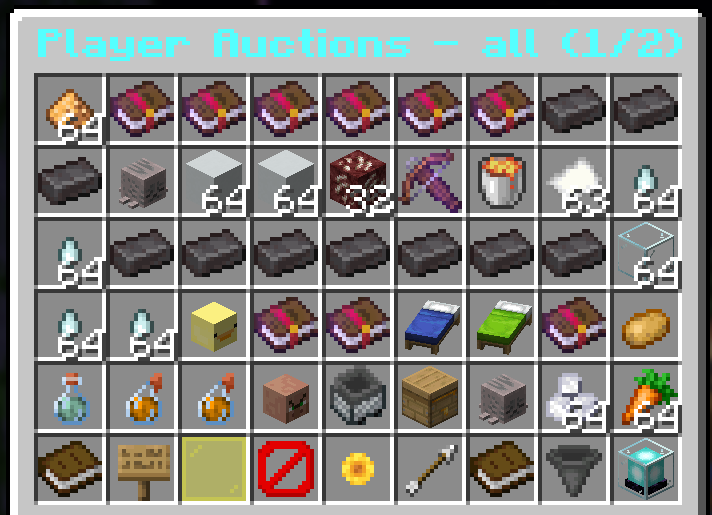
Once looking at listings, there are some icons along the bottom of the screen you can use to navigate.
- Click the arrow icon and barrier block icon to move to the next page or go back a page.
- Click the sunflower icon to refresh the items.
- If you regret a listing, navigate to the listings page, and click the beacon icon.
- Note that if you bid on an item, the money will be taken from your account until you are outbid! If you are missing money from /bal, this is usually why!!!
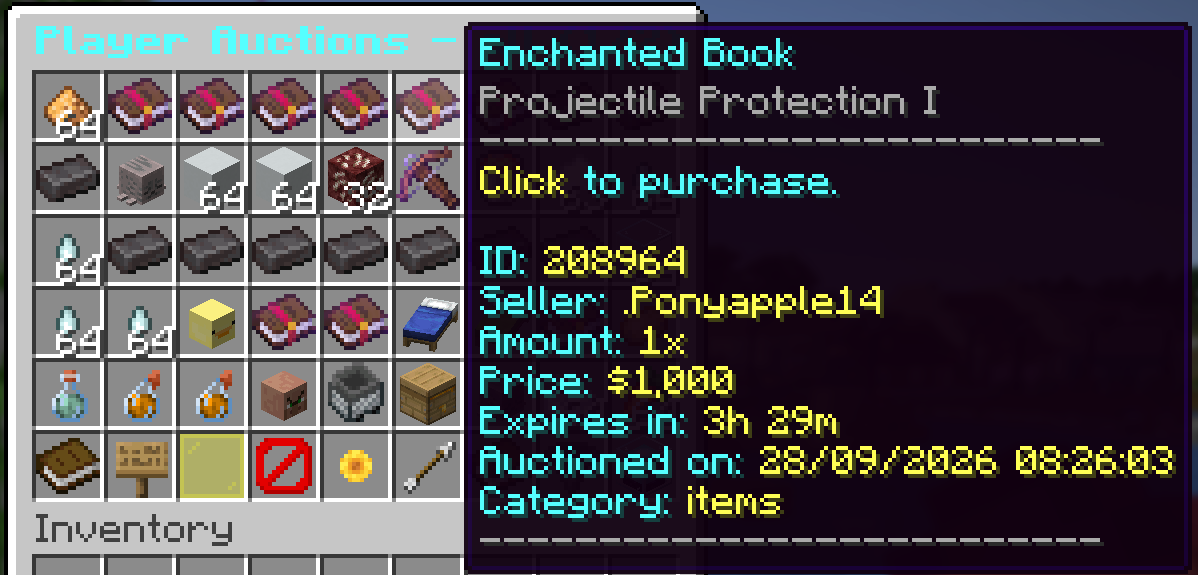
Click on any item to view its listing. You can select the amount you want to buy via the glass panes, or by clicking the sign for a custom amount. Click the red wool to cancel the purchase, and the green wool to confirm the purchase.
To put up your own items for sale, use the command /ah sell (amount) while holding the item you want to sell. Note that the price must be at least 50 and doing this will sell all of what is in your hand.
You can sell items for xp instead of for $. To do this, use the command /ah sell (amount) xp while holding the item.
To list your items as an auction for two days, use the command /ah bid (amount) while holding the item.