
Customizing Your Horse
ModN Equine includes customisation systems for changing certain horse details.
Customisation is handled through the horse panel and usually requires special customisation tokens.
Open the horse panel with:
/h
/h panel
/horse panel
Then open the horse you want to customize. Click the smithing table icon while holding a token.
Remember the horse you want to customize must be de-spawned! This means foals and pregnant mares cannot be customized.
Breed Customization Token
Can be purchased from /shop or other players.
Sex Customization
Sex customization can change whether a horse is treated as male or female by the system.
Coat Customization
Coat customization can change the horse's coat pattern and color.
Forever Foal Growth Token
This token can make an adult horse show as a foal permanently. You must use another token to revert this decision!
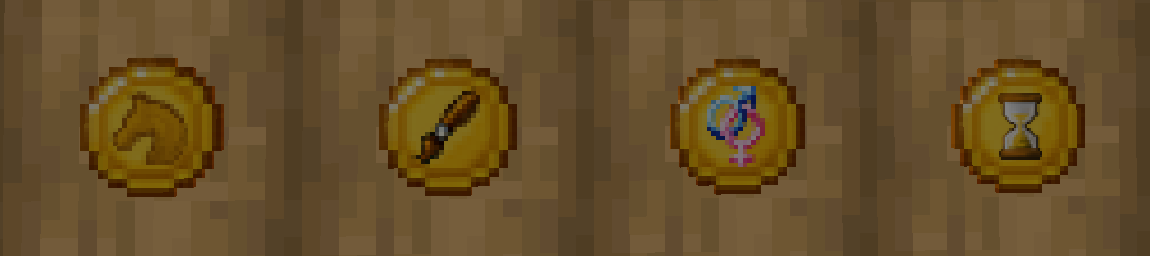
The picture above shows the customization tokens in the following order from left to right: Breed, Coat, Gender, Forever Foal.
Before You Customize
Before using a token, check:
- you are customizing the correct horse
- you have the correct token
- the horse is eligible (de-spawned and fully grown)
- the change supports your long-term plans
If an Item Looks Wrong
If a customization token or other ModN Equine item has outdated visuals, use:
/h updateitems
This updates recognized ModN Equine items in your inventory.
No comments to display
No comments to display